
Engineering note
Is WooCommerce Good for Small Business in 2026?
Is WooCommerce good for small businesses in 2026? Learn where it works well, recent improvements, common problems, and when custom WooCommerce development makes sense.
Abu Hurarrah is a full-stack engineer who builds custom WordPress, WooCommerce, API integration, and backend workflow solutions.
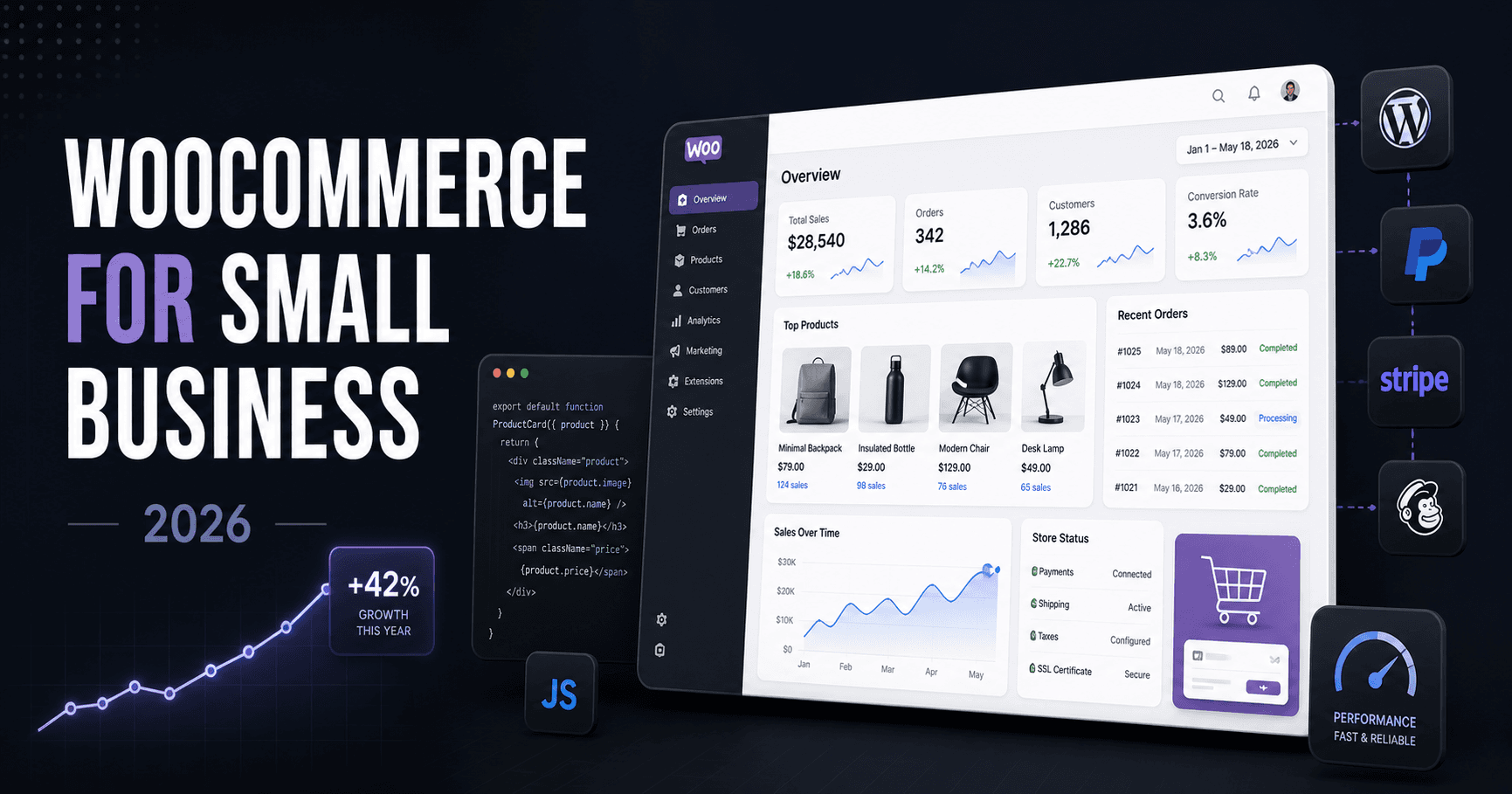
WooCommerce is still one of the first platforms I look at when a business wants to sell online and already has, or plans to use, WordPress. When someone asks me about WooCommerce for a small business, I do not start with the fact that the plugin is free.
That part gets too much attention. The real value is that you can change it. A small store might begin with 20 products and a basic checkout. Six months later, the owner wants wholesale pricing, a different shipping rule, or stock synced with another system.
That is where WooCommerce becomes useful. It can grow with the business without forcing the whole website into one fixed way of working.
WooCommerce Is Flexible, but That Comes With Responsibility
WooCommerce gives you a lot of control over products, checkout, customer accounts, shipping, payments and order handling. I would consider it for a company that needs retail and wholesale pricing, custom product options, local delivery rules, quote requests or connections with an internal system.
The downside is simple. You are responsible for more of the setup. Hosting, plugin quality, updates and security all matter. A badly built WooCommerce store can become slow and difficult to maintain. A well built one can be very solid.
Performance Has Been Getting Better
WooCommerce has had a reputation for becoming slow as stores grow. Some of that criticism is fair, but recent releases have reduced database work in checkout and order management, improved caching and made changes around larger product catalogs. WooCommerce HPOS also moved orders into ecommerce-specific tables for newer stores.
Still, I would not treat performance as something WooCommerce solves automatically. A heavy theme, poor hosting and unnecessary plugins can undo those improvements quickly. The way the store is built still matters more than the version number.
I Like That More Features Are Moving Into WooCommerce Itself
Some features that store owners previously needed extra extensions for are starting to become part of WooCommerce. Variation galleries moving into core are a good example. Say a store sells the same shoe in three colors. A customer choosing black should see the black product images, not the same gallery used for every variation.
Visual options like color swatches in WooCommerce core are improving too. These may sound small, but fewer plugins usually means fewer things to break.
I have seen stores where almost every small feature has its own plugin: checkout fields, shipping, discounts, product options, search and a few replacements for plugins that did not quite work.
WooCommerce Makes Sense When Search Traffic Matters
WooCommerce also has the advantage of sitting directly inside WordPress. For many businesses, that is useful because the website can be more than a shop.
A store can publish buying guides, comparisons, product advice and answers to common customer questions. Those pages can bring visitors from search before they are ready to buy.
The Plugin Is Free. The Store Is Not.
WooCommerce being free does not mean running an online store is free. You still need hosting, payment fees, backups, security and sometimes paid extensions. If the store has custom requirements, you may need custom WooCommerce development.
So I would never choose WooCommerce simply to avoid paying for ecommerce software. Choose it because you need the control it gives you. That is a much better reason.
Where WooCommerce Usually Goes Wrong
Most messy WooCommerce stores do not become messy overnight. It happens slowly. A feature is requested, a plugin is installed, then the pattern repeats. A year later, the website has 35 plugins and nobody wants to update anything on a Friday.
Before adding anything, I prefer to understand how the business actually works. How are prices decided? What happens after an order is placed? How is delivery calculated?
Once that is clear, it becomes much easier to decide whether the answer is an existing extension, a small custom WordPress plugin or simply a different workflow.
When Custom WooCommerce Work Is Worth It
A basic shop does not need custom development. WooCommerce can already handle normal products, payments, shipping and orders. Custom work becomes useful when the business has rules that do not fit neatly into standard settings.
Maybe wholesale customers get different pricing. Maybe certain products require a quote. Maybe orders have to be sent into an ERP. Maybe delivery depends on location, weight and product type at the same time.
These are the kinds of situations where WooCommerce becomes especially useful. You can change the store around the business instead of changing the business around the software.
Is WooCommerce Worth It for a Small Business in 2026?
Yes, for the right business. I would consider it for companies that want control over their website, already use WordPress, care about organic traffic or expect to need custom features later.
I would be more careful if the business wants a completely hands off setup and has no technical support available. WooCommerce gives you freedom, but someone still has to look after it.
The good part is that WooCommerce itself is getting better in areas where it needed improvement, especially performance and built in store features. For a small business that wants room to grow and does not want the ecommerce platform to become a hard limit later, it is still a very strong option.
Working with a WooCommerce store that has become difficult to maintain?
I work on custom WooCommerce development, integrations, performance issues, and plugin architecture.
Discuss a WooCommerce ProjectWooCommerce for Small Business FAQs
Is WooCommerce good for small businesses?
Yes, when the business wants WordPress, content-driven SEO, ownership, and room for custom store behavior.
Is WooCommerce free for small businesses?
The WooCommerce plugin is free, but a real store still has hosting, payment fees, extensions, security, backups, and possible development costs.
Can WooCommerce handle a growing online store?
Yes, if the store is built carefully with good hosting, restrained plugins, sensible caching, and custom development where business rules need it.
Related Posts
WooCommerce Development for Custom Stores
Custom WooCommerce development for stores that need plugins, API integrations, checkout changes, performance work, or functionality beyond a basic setup.
Read related postPractical Notes from Building WordPress API Integrations
Lessons from connecting WordPress with APIs, webhooks, third-party services, logs, retries, and admin-controlled settings.
Read related postRelated service
WooCommerce Development
WooCommerce is flexible, but pricing rules, checkout fields, shipping conditions, product behavior, customer access and external integrations often require focused development.
View serviceRelated proof
Location Radius Redirect Plugin
A WordPress plugin that redirects users based on configured radius rules, center points, shortcodes, and user actions.
Read case studyNeed help with a WooCommerce store that has outgrown plugin settings?
Read the relevant service and case study, or send the current system for a practical review.